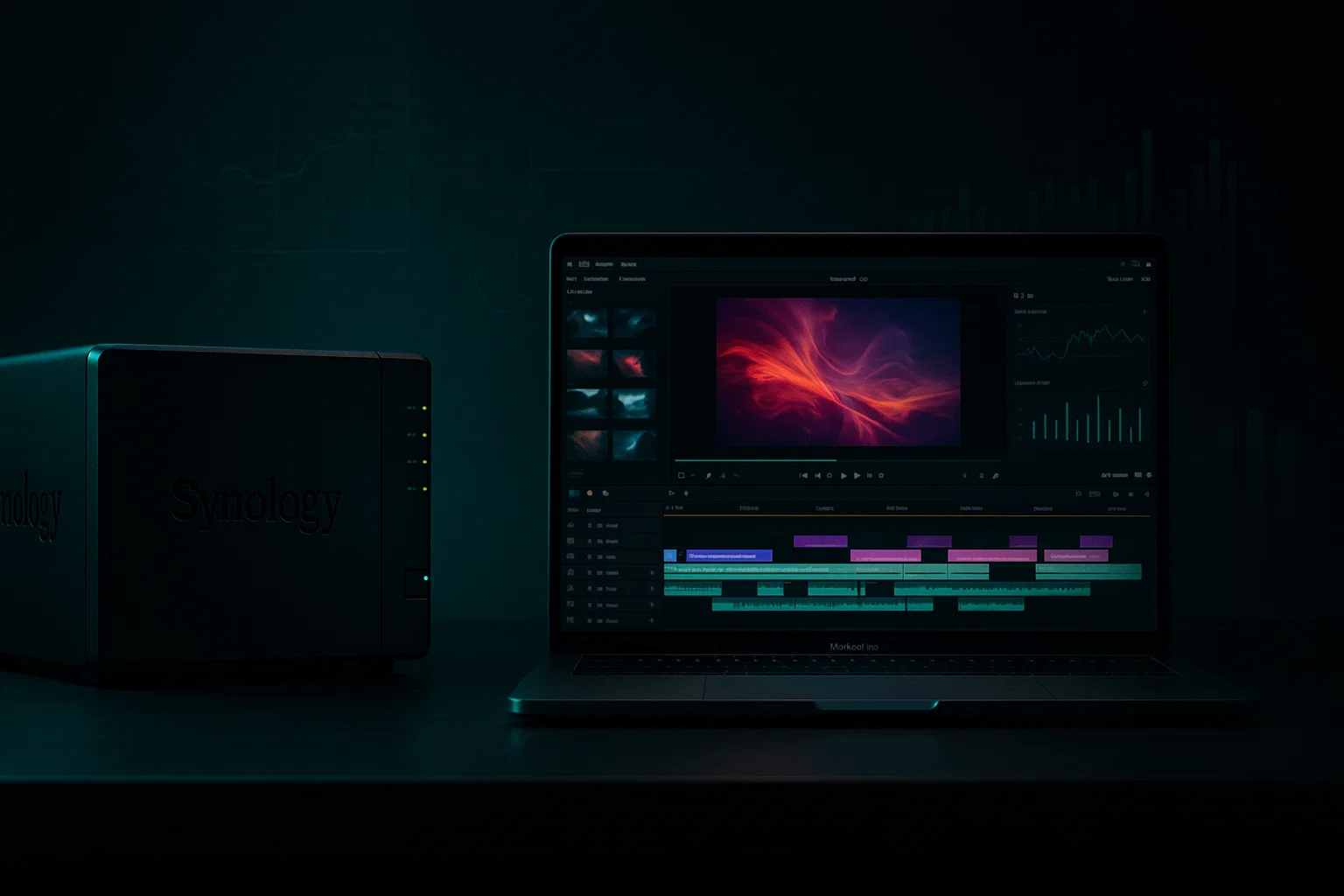
The £13,200 Cloud Storage Bill That Could Become a £4,200 One-Time Investment

London creative agencies spend £13,200 on cloud storage over 5 years. A managed NAS costs £4,190. We handle the complexity so you get 215% ROI and 800MB/s performance.

Managed NAS vs cloud storage for 4K/8K workflows. £13,200 becomes £4,190 over 5 years. We handle

(Dropbox is a wonderful tool with excellent features. This article demonstrates the advantages of hybrid storage setups rather than relying solely on cloud solutions.)

That's the reality facing London creative agencies managing 4K and 8K footage through mainstream cloud storage.

After deploying storage solutions for dozens of Mac-focused creative businesses, we've seen the same pattern: what starts as convenient cloud storage becomes an unsustainable monthly expense that hinders creative workflows.

The solution isn't abandoning cloud storage entirely. It's understanding when hybrid approaches deliver better ROI than pure cloud strategies.

The Hidden Costs of Creative Cloud Storage

When "Unlimited" Isn't Unlimited

Most creative teams start with mainstream solutions like Dropbox Business or Google Workspace, attracted by familiar interfaces and collaboration features. The reality becomes apparent within months:

Dropbox Business Standard (5TB shared, £15/month per user)

  • 10-person creative team = £1,800/year
  • 5TB shared storage disappears quickly with 4K ProRes footage
  • Need more? Dropbox Advanced starts at £22/user/month for expanded storage
  • Real-world cost for 10 users: £2,640/year, scaling to £13,200 over 5 years

Google Workspace Business Plus (5TB pooled)

  • £18-22/user/month depending on commitment
  • £2,160-2,640/year for 10 users
  • True unlimited requires Enterprise tier (5+ users, custom pricing)
  • Still hits £10,800+ over 5 years

Microsoft SharePoint

  • Not a viable option for these teams at present

The Performance Problem

Beyond cost, cloud storage isn't designed for creative workflows.

What we've measured:

Upload bottlenecks – Even with 1Gbps fibre, uploading 200GB+ of 4K footage takes hours

Collaboration delays – Multiple editors create bandwidth competition

Preview limitations – Scrubbing cloud-hosted 4K footage requires local proxy generation

Creative teams end up maintaining local working copies anyway, defeating the purpose of consolidated cloud storage.

Network Attached Storage (NAS): The Economics of Ownership

Real-World ROI Analysis

Example Configuration

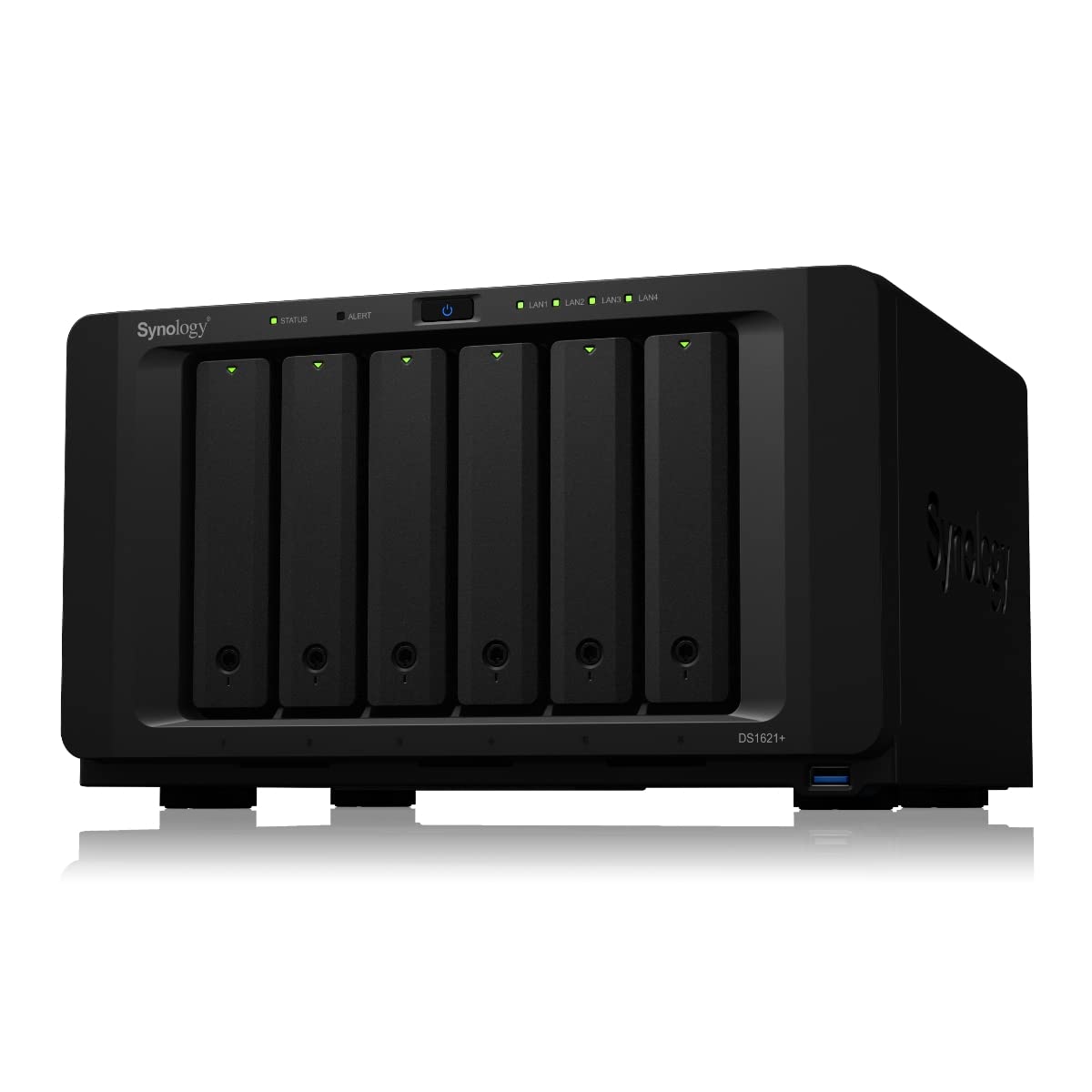
A Synology DS1621+ with 6 × 16TB enterprise drives (64TB usable in RAID 6):

  • DS1621+ chassis: £900
  • 6 × 16TB enterprise HDDs: £2,400 (£400 each)
  • Additional hot spare: £400
  • Upfront investment: £3,700
  • 5-year power cost (40W idle @ 28p/kWh): £490
  • 5-year total cost: £4,190
  • Monthly equivalent: £70

Compared to Dropbox Advanced (10 users):

  • £220/month (£22/user × 10)
  • £13,200 over 5 years
  • ROI: 215% cost savings with superior performance

Performance That Matches Creative Demands

This NAS configuration delivers 800MB/s+ throughput over 10GbE, supporting up to six editors working with 4K ProRes simultaneously.

Use cases we've tested:

  • Multi-cam editing
  • Render farms writing directly to NAS
  • Archive workflows with automatic tiering to cold storage

The Hybrid Approach: Best of Both Worlds

Tier 1: Active Projects on NAS

  • Direct editing via 10GbE
  • Local backups and versioning
  • External access via web portal or on-device hosted VPN

Tier 2: Collaboration via Cloud

  • Proxy files in Google Drive or Dropbox
  • Client review and approval links
  • Cross-office sync

Tier 3: Archive to Cloud

  • Cost-effective long-term storage (Backblaze B2, AWS Glacier)
  • Lifecycle policies for automation

Real Results from London Creative Businesses

Soho Production House: 83% Cost Reduction with Complete Management

A 15-person video team was spending £4,200/month on Dropbox with storage overages. They faced slow uploads and poor preview tools.

Our Solution:

  • Synology rackmount NAS (100TB usable)
  • Full management: monitoring, maintenance, backup setup and testing
  • Hybrid: Local for active projects, Google for collaboration, Backblaze B2 for archive

Results:

  • Monthly costs dropped to £720 (including our management fee)
  • Local editing performance improved significantly
  • Zero storage management overhead

Design Agency: Future-Proofed Growth Without Tech Overhead

A growing creative agency needed scalable storage without internal IT resources.

Our Approach:

  • Modular NAS deployment: started with 20TB, scaled to 80TB
  • Fully managed: monitoring, backup, hardware refresh planning
  • Smart workflows: auto-archive to cloud
  • Branded client portals

Outcome: Predictable costs through 300% business growth over 2 years. No storage headaches.

Making the Right Choice for Your Business

When NAS Makes Sense

  • High-volume creative work (4K/8K, large design files)
  • Stable team sizes in fixed office locations
  • Shared-office collaboration
  • Long-term project retention
  • Secure air-gapped data storage for sensitive materials

When Cloud Storage Is Better

  • Remote-first teams with distributed workforces
  • Seasonal or project-based work
  • No reliable office internet infrastructure
  • Specific regulatory requirements favouring cloud

Why Most IT Providers Push Cloud-Only Solutions

Because it's easier for them:

  • No hardware to manage
  • No on-site visits
  • Simpler backup procedures
  • Predictable support model
  • Lower technical overhead

We Take a Different Approach

We embrace the complexity of managing local infrastructure because it delivers the best and most cost-effective results for creative teams.

NAS Management Includes:

24/7 Monitoring – Drive health, performance, capacity tracking

Proactive Maintenance – Firmware updates, security patches, diagnostics

Backup Management – Off-site replication and regular testing

Disaster Planning – Business continuity covered

Hardware Lifecycle – Drive refresh planning every 5 years

Our Managed Infrastructure Approach

Complete NAS Lifecycle Management

  • Design and Deployment – Custom-fit to your creative workflow
  • 24/7 Monitoring – Drive failure alerts, capacity forecasting
  • Backup Automation – Off-site recovery tested monthly
  • Vendor Support – We handle repairs and warranty claims
  • Capacity Planning – Proactive expansion before you hit limits

Seamless Mac Integration

  • SMB + Spotlight – Easy mounting with full macOS support
  • Time Machine compatibility – Native backup integration
  • Creative suite integration – Final Cut Pro, DaVinci Resolve, Adobe

Security and Backup

  • RAID 6 protection for dual drive failures
  • Immutable snapshots for ransomware protection
  • Off-site UK/EU backups for disaster recovery
  • Monthly recovery tests for peace of mind

Why We Take the Harder Path

The MSP Industry Pushes Cloud to Simplify Their Work

  • No hardware = fewer responsibilities
  • Remote-only support = lower costs
  • One technician supports hundreds of accounts

This serves the provider. Not you.

Our Infrastructure-First Philosophy

We believe technology should empower creativity, not hinder it.

  • We take hardware responsibility
  • We show up when needed
  • We proactively manage everything
  • We own the full lifecycle

More effort on our part. Better results for your team.

Implementation Strategy: Managed Infrastructure Model

Phase 1: Assessment and Design (Week 1–2)

  • Audit current spend, usage, and workflow challenges
  • Network readiness review (ensuring 10GbE capability)
  • Hybrid design tailored to your needs
  • ROI projection specific to your team

Phase 2: Managed Deployment (Week 3–4)

  • Hardware procurement and configuration
  • On-site NAS installation
  • Network performance tuning
  • Creative application integration
  • Security hardening and scheduled scans
  • 3-2-1 Backup setup (3 copies, 2 media types, 1 off-site)

Phase 3: Migration and Training (Week 5–6)

  • Seamless data migration with zero downtime
  • Off-site access via VPN or integrated apps setup
  • Team training on new workflows
  • Workflow automation
  • Full documentation and guides

Phase 4: Ongoing Services

  • 24/7 monitoring and alerts
  • Preventive maintenance
  • Capacity planning and forecasting
  • Monthly backup verification
  • Hardware refresh planning (typically 5-year cycles)

The Bottom Line

For Mac-focused creative businesses dealing with heavy media workflows, the real decision isn't cloud versus local.

It's whether you want a technology partner who simplifies storage at your expense, or one who manages complexity to your benefit.

We don't avoid local storage because it's difficult. We embrace it because it's better for your business.

Typical results:

  • 60–80% cost reductions over 5 years
  • Significant workflow improvements (800MB/s vs cloud bottlenecks)
  • Zero storage management overhead for your team

Ready to Optimise Your Creative Storage Infrastructure?

We design, deploy, and manage custom storage systems for Mac-based creative businesses across London.

Schedule Your Free Storage Assessment

We'll analyse your current setup and design a hybrid strategy that reduces costs and boosts creative performance.

Stabilise specialises in managed Apple infrastructure for creative businesses. Unlike providers who push cloud for their own ease, we embrace local infrastructure complexity because it delivers better results. From high-speed storage and networks to complete Mac fleet management, we handle everything so you don't have to.

Note: Pricing accurate as of January 2025. Cloud storage pricing and NAS hardware costs vary. Contact us for current pricing specific to your requirements.